
Technology Habits That Prevent Most IT Problems
Technology issues rarely appear out of nowhere. More often than not, they develop over time because of small habits that are easy to overlook. The good news is that building a few smart technology habits into your daily routine can significantly reduce downtime, improve security, and keep your business running efficiently.
Here are some of the most effective habits every employee and business should practice.
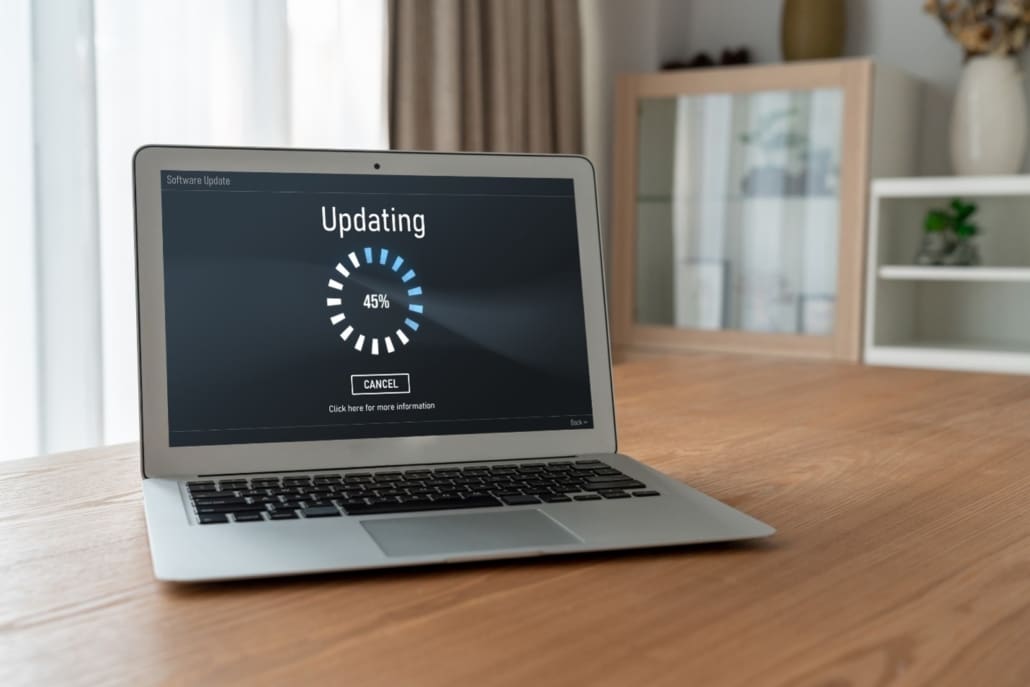
Install Updates Promptly
Software updates do more than add new features. They often include critical security patches that fix vulnerabilities cybercriminals actively target.
Delaying updates leaves your devices exposed to known threats. Whenever possible, install operating system, application, and browser updates as soon as they become available or allow them to install automatically. Managed technology providers can also automate patch management to ensure systems stay protected without interrupting productivity.
Use Strong, Unique Passwords
Reusing passwords across multiple accounts is one of the most common security mistakes. If one account is compromised, attackers may attempt to use the same password elsewhere.
Create unique passwords for every account and use a password manager to store them securely. Even better, enable multi-factor authentication (MFA) whenever it’s available for an extra layer of protection.
Think Before You Click
Many cyberattacks begin with a phishing email that looks legitimate. Before clicking a link or downloading an attachment, take a moment to verify the sender and inspect the message for anything unusual.
If an email seems unexpected or asks for sensitive information, confirm its authenticity before responding.
Back Up Your Data Regularly
Hardware failures, ransomware, and accidental deletion can happen without warning. Regular backups ensure your important files can be restored if something goes wrong.
An effective backup strategy includes automatic backups, encrypted storage, and routine testing to verify that files can actually be recovered when needed.
Keep Your Workspace Organized
Technology isn’t just about software. Physical habits matter too.
Keep liquids away from computers, organize cables to prevent damage, clean dust from workstations when appropriate, and avoid blocking ventilation on laptops or desktop computers. Proper care helps extend the life of your equipment and reduces unexpected failures.
Restart Your Computer Regularly
Many people leave their computers running for weeks at a time. While modern systems are designed for continuous use, an occasional restart allows updates to install properly, clears temporary files, and resolves many minor performance issues before they become larger problems.
Making a habit of restarting your computer at least once each week can improve both performance and stability.
Report Problems Early
Don’t ignore unusual behavior such as slow performance, repeated error messages, unexpected pop-ups, or login issues.
Small problems often become larger ones if they go unreported. Alerting your technology provider early gives them the opportunity to identify and resolve issues before they affect your entire business.
Avoid Installing Unauthorized Software
Downloading free software or browser extensions without approval can introduce malware, create compatibility issues, or expose your business to unnecessary security risks.
Only install applications that have been approved by your organization or your technology provider.
Make Security Part of Your Daily Routine
Cybersecurity isn’t solely the responsibility of your IT department. Every employee plays an important role in protecting company data.
Simple habits such as locking your computer when you step away, verifying unexpected requests, keeping software updated, and using secure passwords dramatically reduce the likelihood of a successful cyberattack.
Prevention Saves Time and Money
Most technology emergencies can be prevented through proactive maintenance and consistent technology habits. Businesses that invest in routine monitoring, security updates, employee awareness, and preventative maintenance experience less downtime, fewer security incidents, and greater productivity.
At TEAM ITS, we believe the best technology support is proactive, not reactive. Our managed technology services, cybersecurity solutions, and ongoing system monitoring help identify and resolve issues before they disrupt your business. By building strong technology habits and partnering with an experienced technology provider, you can keep your systems secure, your employees productive, and your business running smoothly.
TEAM ITS, LLC has been serving the Central and Southern Illinois area since 2016, providing IT Support such as technical helpdesk support, computer support and consulting to small and medium-sized businesses. Book a complimentary consultation today.


Leave a Reply
Want to join the discussion?Feel free to contribute!